Isolated browser sessions for multiple social accounts
Run multiple social logins in isolated browser sessions on Mac with Switchboard’s persist partitions.
Running several brand logins in one Chrome window is how cookies collide. People searching for isolated browser sessions for multiple social accounts usually want each Instagram, Threads, or X login sandboxed — without juggling OS user accounts.
Switchboard embeds each social page in its own persist: session on Mac, so cookies, localStorage, and login state stay isolated per page while you switch from one sidebar.
Why browser profiles still break
- Meta products often share storage across tabs in the same profile
- Extensions and agents see a messy stack of windows, not a stable workspace
- Logging out of one brand can wipe another session you still need
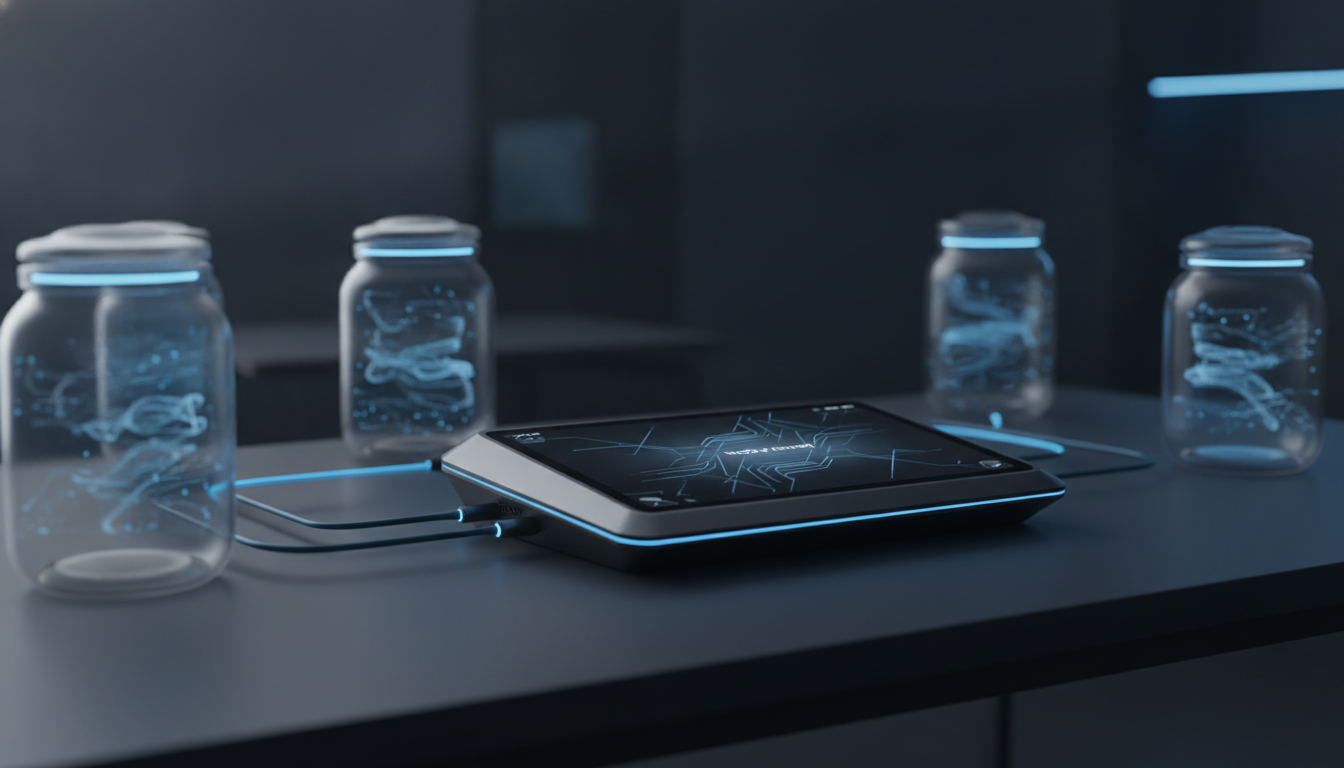
Isolated partitions fix the jar problem: each Switchboard page keeps its own data under ~/.switchboard, so reinstalls and updates do not force you to rebuild from zero.
How the workspace stays sane
1. Add Instagram, Threads, X, LinkedIn, Reddit, or Facebook from the sidebar +. 2. Sign in inside the embedded site — the real network UI. 3. Switch accounts with the avatar rail; the center pane stays that session. 4. Capture, draft, and schedule per account without mixing cookies.
You still get the live feed, DMs, and composer the platform ships — Switchboard is the frame, not a fake API client.
Pair isolation with ops tools
Once sessions are isolated you can capture feeds, queue drafts in Pending, and connect MCP agents with draft-by-default safety — all against the correct logged-in page.
Get started
Download Switchboard for Mac, add your first two accounts, and confirm each login stays put when you switch. Walkthrough: Features → Workspace.