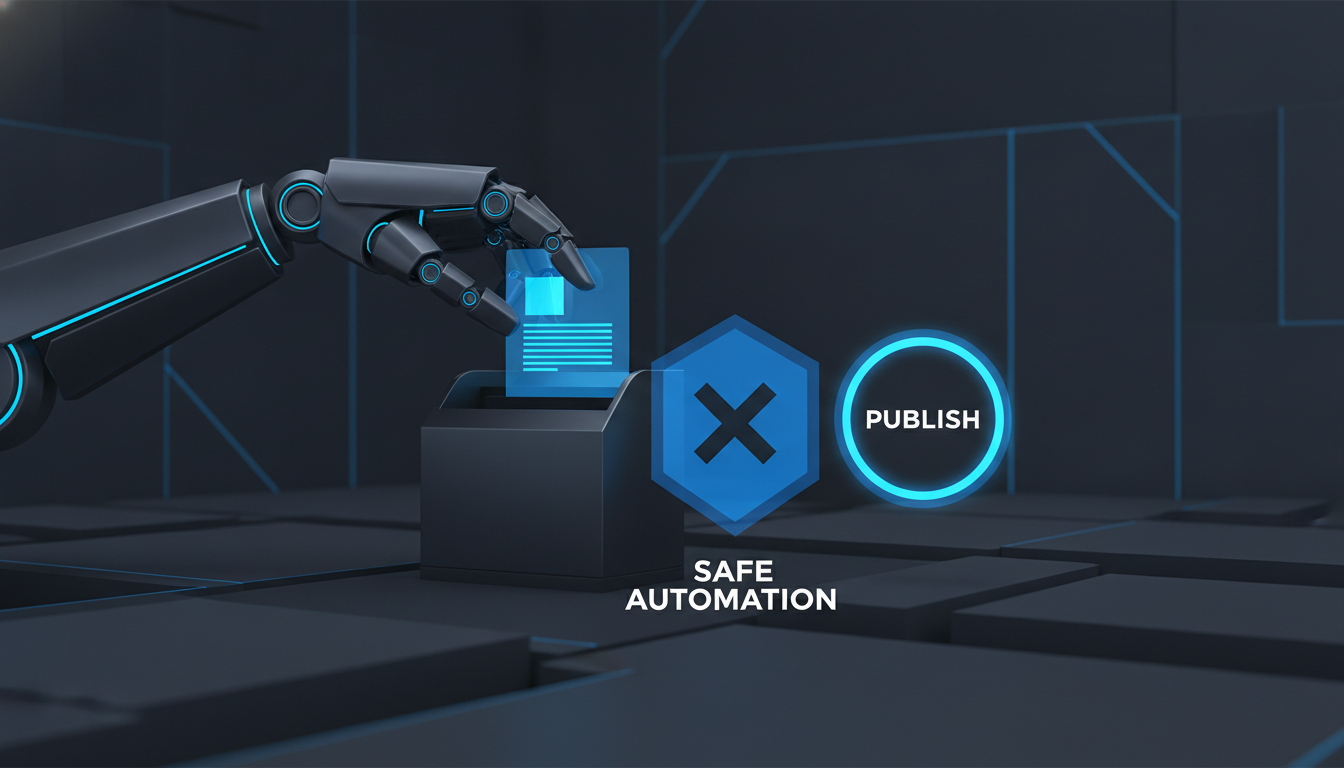
MCP draft-by-default social automation with Switchboard
Use MCP tools on real desktop sessions with draft-by-default publish safety.
Agent automation on social is only useful if it cannot surprise-publish. Teams searching for MCP draft-by-default social automation want Cursor (or another MCP client) to drive real desktop sessions — with human approval before anything goes live.
Switchboard exposes Instagram, Threads, X, Reddit, LinkedIn, Facebook, and generic page tools over MCP, while publish actions stay draft-oriented unless you pass an explicit publish flag.
What “draft-by-default” means
- Compose and fill flows land in reviewable drafts / Pending where the product supports it
- Agents can screenshot, read the screen, navigate, and scroll with human-like input
- You choose when to schedule or release — not the model
That split lets you automate research and first drafts without handing the agent your brand voice on a live Post button.
Connect once, reuse everywhere
1. Open Switchboard GUI (the automation socket must be up).
2. Settings → Connect MCP → copy the Cursor (or HTTP) snippet.
3. Point your agent at the stdio or local network MCP entry.
4. Target tools with pageId (preferred) or the sole open tab for that host.
Instagram and Threads tools fail with GUI_NOT_RUNNING if only the headless MCP process is up — keep the desktop app open while agents work.
Practical agent jobs
- Capture a niche feed and summarize engagement
- Draft a reply or thread, then stop for human edit
- Navigate a LinkedIn or X composer and leave the copy in Pending
Start safely
Download Switchboard, connect MCP from Settings, and run one read-only tool before any publish path. Guide: Features → MCP.