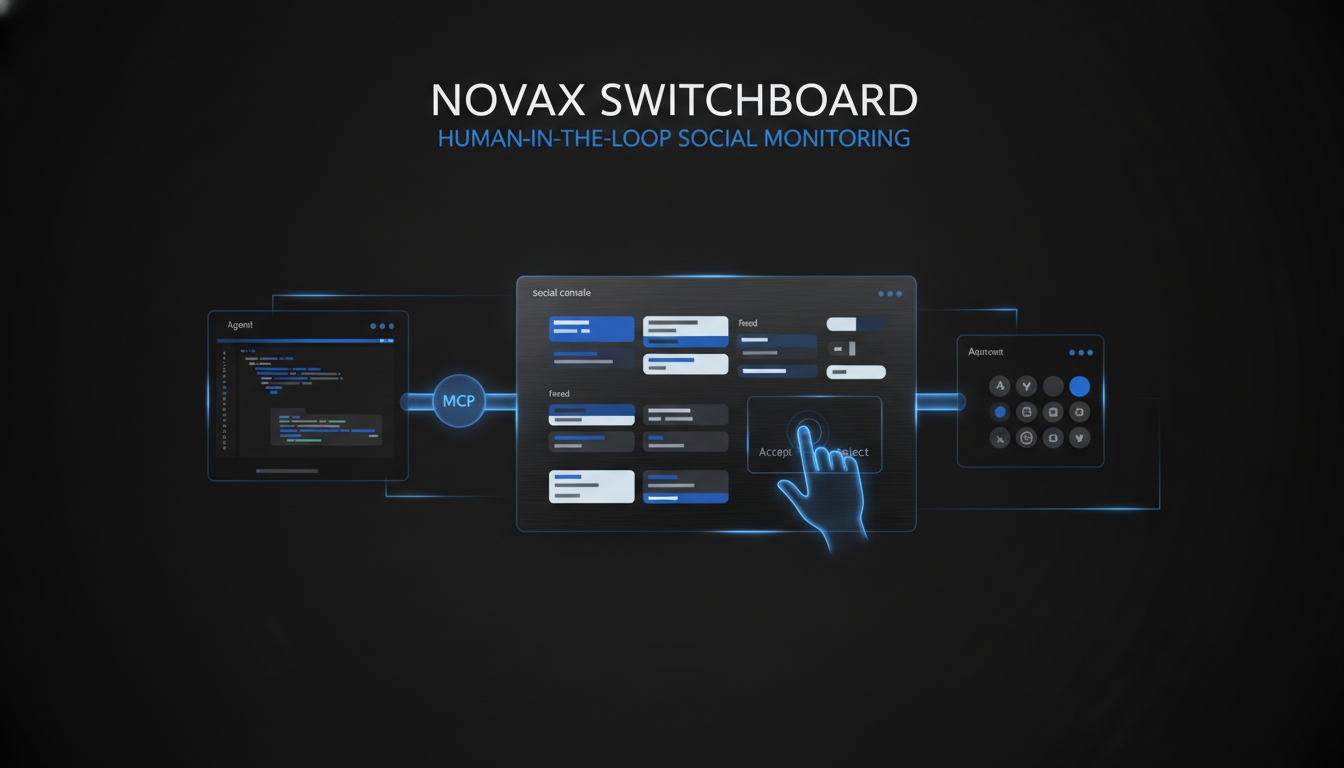
Connect Cursor MCP to social media desktop automation
If you’re hunting for **Cursor MCP social media desktop automation**, you don’t want brittle DOM scripts against public APIs that revoke overnight. You want an agent that can see t
If you’re hunting for Cursor MCP social media desktop automation, you don’t want brittle DOM scripts against public APIs that revoke overnight. You want an agent that can see the real webview, draft safely, and click like a human — with the GUI app as the source of truth.
Switchboard exposes an MCP surface (stdio for Cursor, optional local HTTP) so agents can call scoped tools while you keep the desktop console open.
What agents can do
Depending on enabled capabilities and open pages:
- Screenshot and read on-screen text
- Navigate and scroll (including element targeting)
- Instagram / Threads feed capture and draft-oriented posting flows
- X, LinkedIn, Reddit, Facebook helpers where implemented
Publish tools prefer draft-by-default — agents fill composers; you still approve going live unless you explicitly publish.
Wire Cursor in a few steps
1. Open Switchboard → Settings → Connect MCP.
2. Copy the Cursor mcp.json snippet (includes the --mcp flag for the headless bridge).
3. Keep the GUI running so the automation socket exists.
4. Restart Cursor and call tools against the open social pages.
Headless MCP alone is not enough for Instagram/Threads actions if the GUI isn’t listening — the design is intentional: eyes and hands attach to your live sessions.
Why this beats “browser use” alone
- Sessions and cookies already live in Switchboard partitions
- Ghost-style input mimics human pointing and typing
- Capability gating and activity logs stay under your Settings
Automate with a safety rail
Download Switchboard for Mac, connect MCP from Settings, and let Cursor draft inside your real social tabs. Walkthrough: Features → MCP.