How to manage multiple Instagram and Threads accounts on Mac
If you run more than one creator or brand profile, browser windows multiply fast — and cookies collide. Creators searching for **how to manage multiple Instagram and Threads accoun
If you run more than one creator or brand profile, browser windows multiply fast — and cookies collide. Creators searching for how to manage multiple Instagram and Threads accounts on Mac usually want one desktop surface that keeps each login isolated.
Switchboard is a Mac desktop console that embeds Instagram, Threads, X, Facebook, Reddit, and LinkedIn as separate sessions so you can switch without mixing profiles.
Why “one more Chrome profile” fails
Temporary profiles and multi-login extensions break when:
- Meta products share cookie jars across tabs
- You need Instagram and Threads open at the same time for the same brand
- Agents or teammates need a predictable workspace, not a stack of windows
Isolated persist: sessions solve that: each social page in Switchboard keeps its own login and storage under your local Switchboard data directory.
What the multi-account workspace looks like
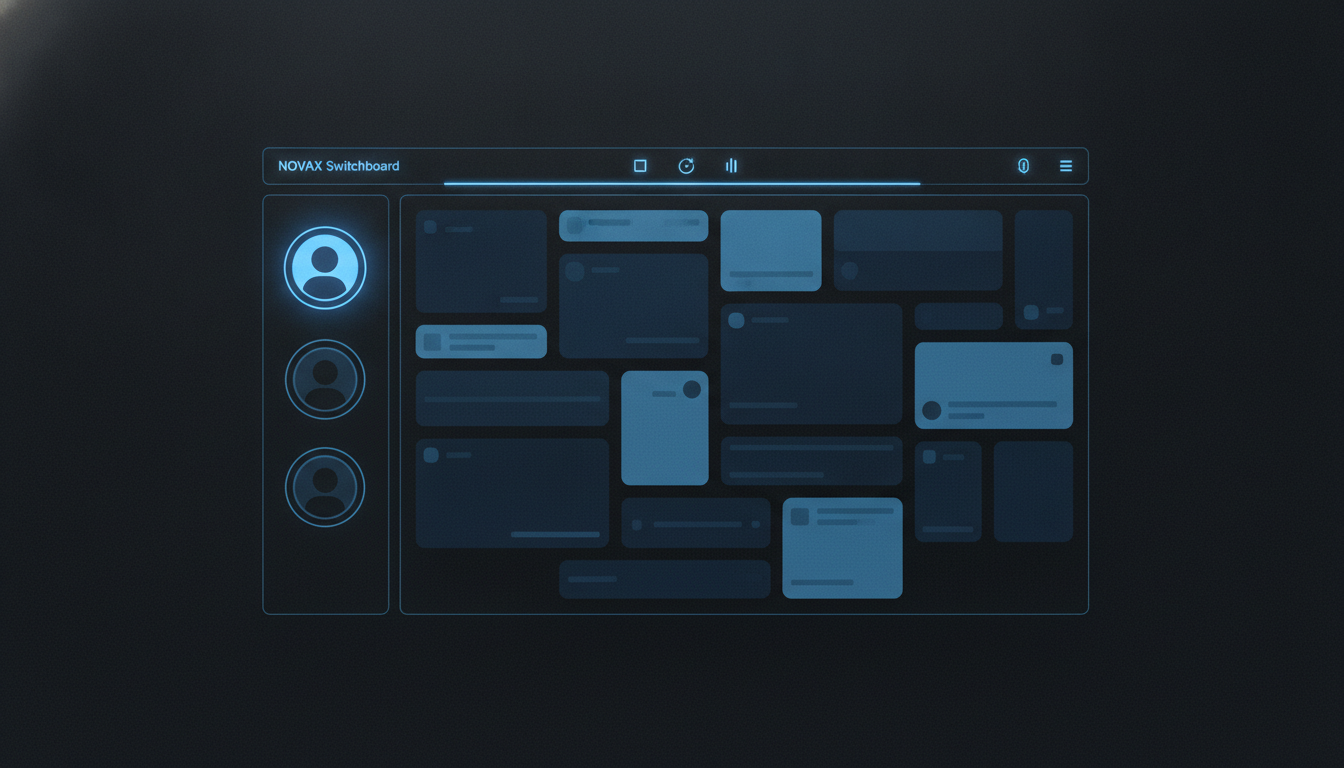
1. Click + in the sidebar and add Instagram or Threads. 2. Sign in inside the embedded webview — the live site, not a mock API. 3. Repeat for each brand or personal account. 4. Jump with the avatar stack; the center pane stays the real network UI.
You still get feeds, notifications, DMs, and posting dialogs exactly as the platform ships them — Switchboard is the frame, not a rewrite of the network.
Beyond switching tabs
Once accounts live in one console you can:
- Capture feeds while you scroll, then search them later
- Draft and queue posts in Pending per account
- Connect MCP agents (for example Cursor) when you want automation with draft-by-default safety
Start on Mac
Download Switchboard from the release page, add your Instagram and Threads pages, and keep every session in one sidebar. For a step-by-step walkthrough, see the Features guide.