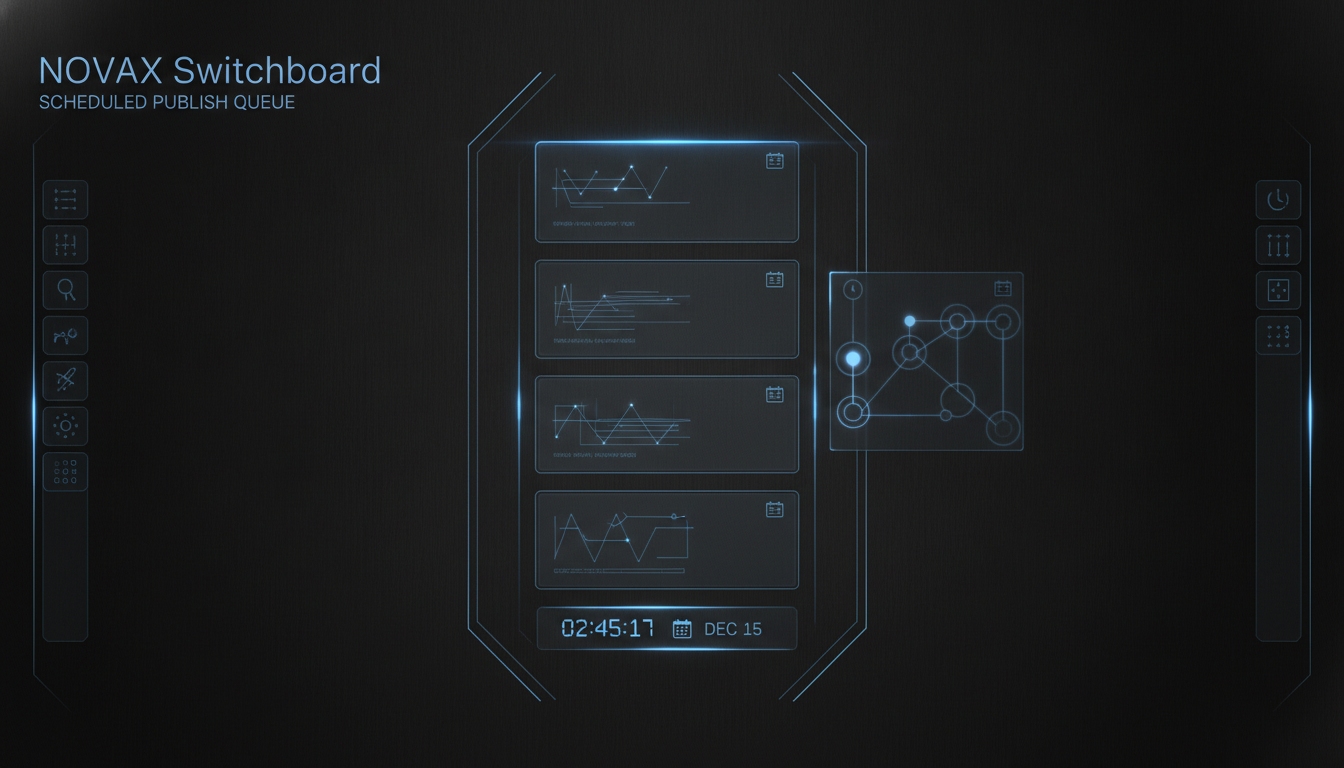
Schedule LinkedIn and X posts from one desktop queue
Browser tabs are a bad content calendar. People searching **schedule LinkedIn and X posts from one desktop queue** want drafts parked per account, edited inline, then released on a
Browser tabs are a bad content calendar. People searching schedule LinkedIn and X posts from one desktop queue want drafts parked per account, edited inline, then released on a clock — without hopping between native apps and web composers.
Switchboard’s Pending panel is that queue for the accounts you already keep open in the console.
Pending is local and per account
Each draft belongs to the active social page. You can:
- Edit copy before anything goes out
- Delete ideas that no longer fit
- Schedule a datetime while Switchboard is running
- Release now when timing is right
LinkedIn updates and X posts share the same operator habit: park → polish → schedule or ship.
Why desktop beats another SaaS calendar
1. You’re already logged into the real web UI inside Switchboard. 2. Drafts stay on your machine until you choose to publish. 3. Scheduling ties to the same session you’ll use to release — fewer “wrong account” mistakes.
Pair Pending with Hot draft: generate from engagement signals, then queue and schedule without leaving the app.
A weekly ops pattern
- Monday: capture niche feeds and mark hot examples
- Midweek: generate drafts into Pending
- Weekend / peak hours: scheduled releases fire while the app is open
Get the queue
Install from the Mac download page, open Pending on a LinkedIn or X page, and schedule your next post. Step-by-step screenshots live in Features.