
Insights
Own-post engagement trends
Track likes and replies on your Instagram and Threads posts over time — crawled while Switchboard stays open.
Insights stores engagement snapshots for your own Instagram and Threads posts in the cloud when you have library access.
Background crawls use offscreen workers so the foreground tab stays usable.
Use Insights when you care about growth on posts you already published — not other people’s feeds.
Steps
- 01
Stay signed in
Keep IG/Threads tabs logged in. Switchboard crawls your profile on launch and about every six hours while the app is open.
- 02
Open Insights
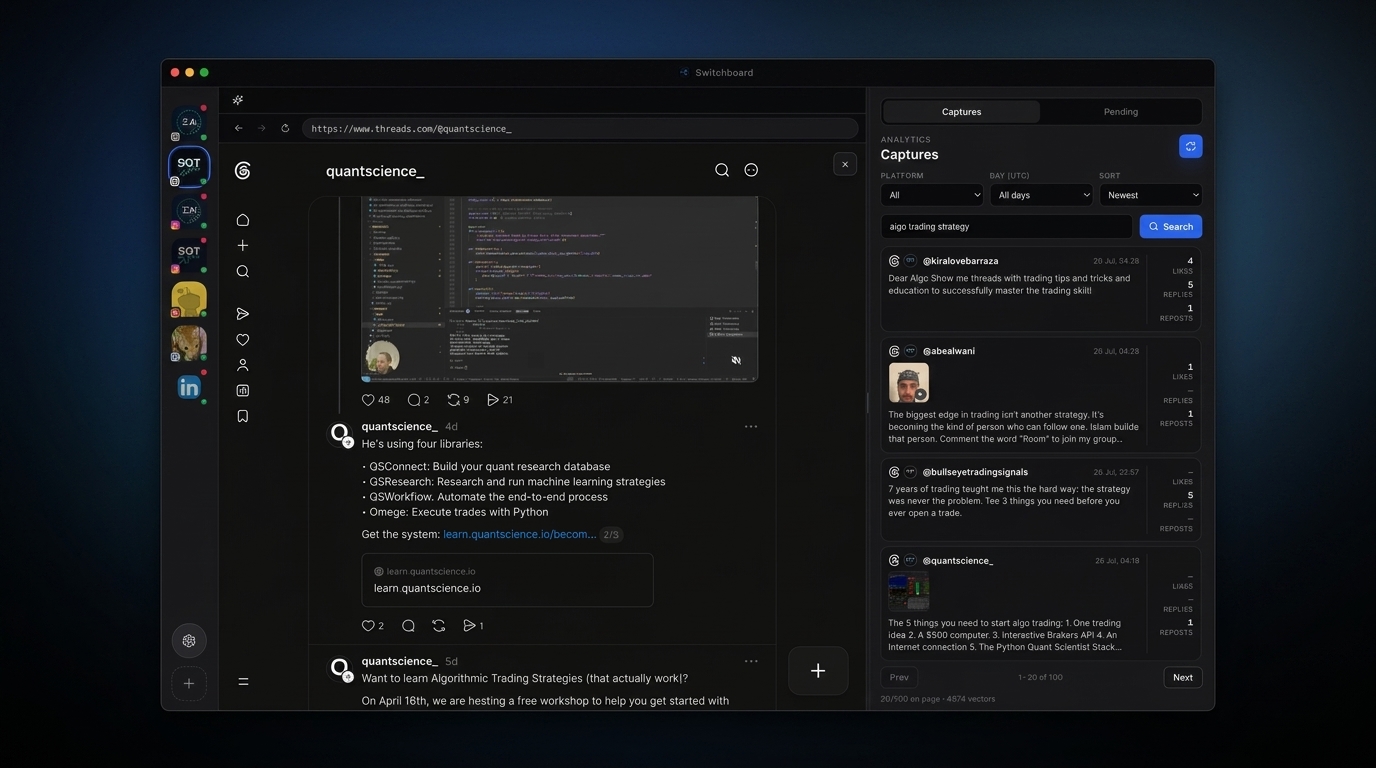
Use the Insights tab in the right panel for daily totals and tracked posts with sparklines.
- 03
Spot movement
Captures cards for your own posts can show a mini trend when cloud snapshots exist.
Frequently asked questions
Which platforms are supported?
Instagram and Threads for your logged-in accounts in v1.
Does it run when the app is quit?
No. Crawls run only while the Switchboard GUI is open.
Do I need cloud library access?
Yes — the same access gate as the feed graph / private library.